First-Time Installation
- Download the installer from the Release page.
- Run the installer by double-clicking the downloaded file and follow the prompts to complete the installation.
- After installation, the Activation Window will appear.
- Enter the Activation Code, your email address and provided Tag.
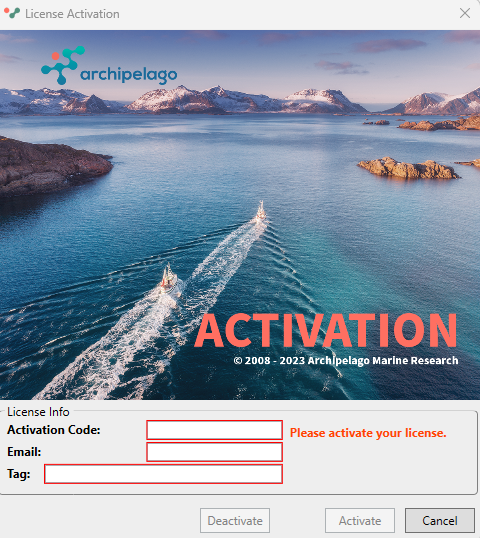
- Click the Activate button.
- Your license is now active, and you can start using FishVue Interpret.
Upgrading the Software
- Download the latest installer from the Release page.
- Run the installer by double-clicking the downloaded file to update your software.
- When you open FishVue Interpret, the License Activation window will appear.
- Click the Activate button.
- You’re now ready to use the latest version of FishVue Interpret.
Was this article helpful?
That’s Great!
Thank you for your feedback
Sorry! We couldn't be helpful
Thank you for your feedback
Feedback sent
We appreciate your effort and will try to fix the article